Annual Sale!Get 30% offClaim Now→

Flux 2 Pro Result
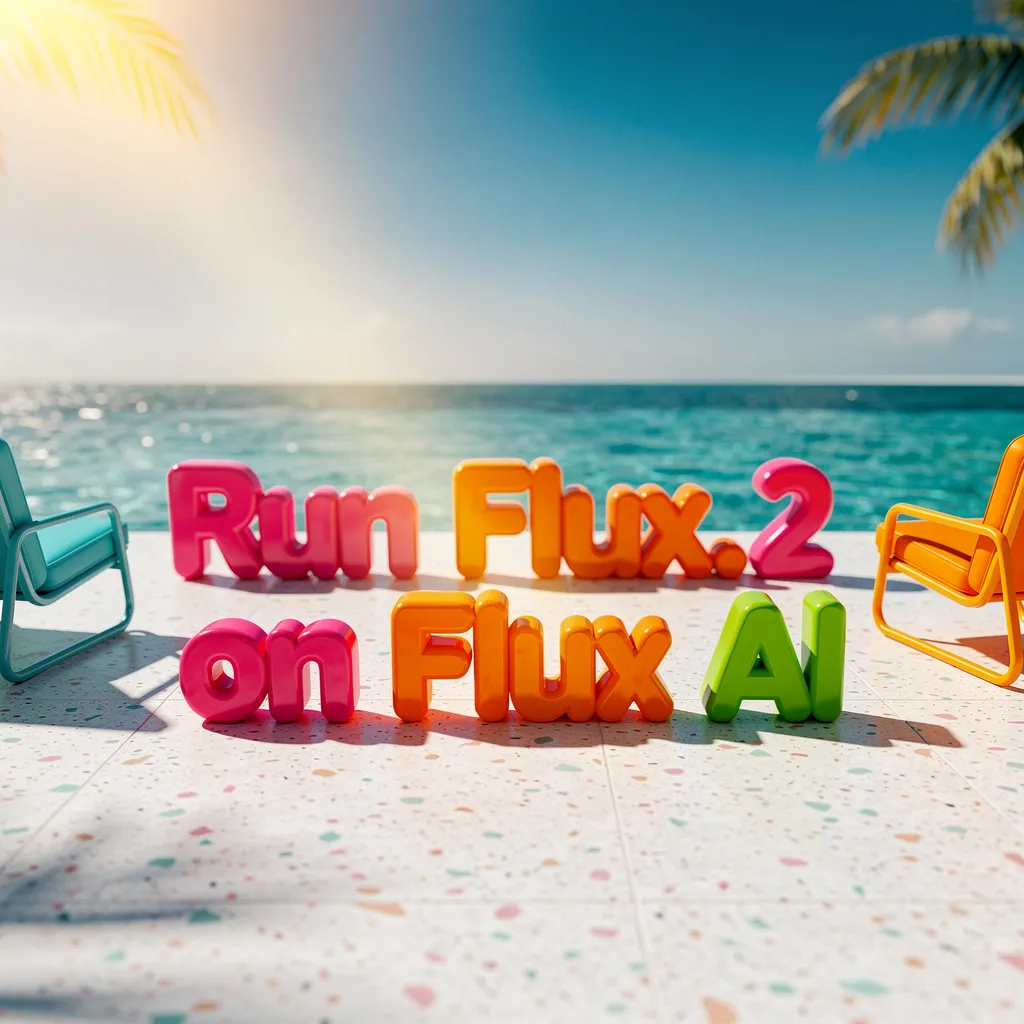
Flux.2 Pro - High-Quality Image Generation with Multi-Reference Control
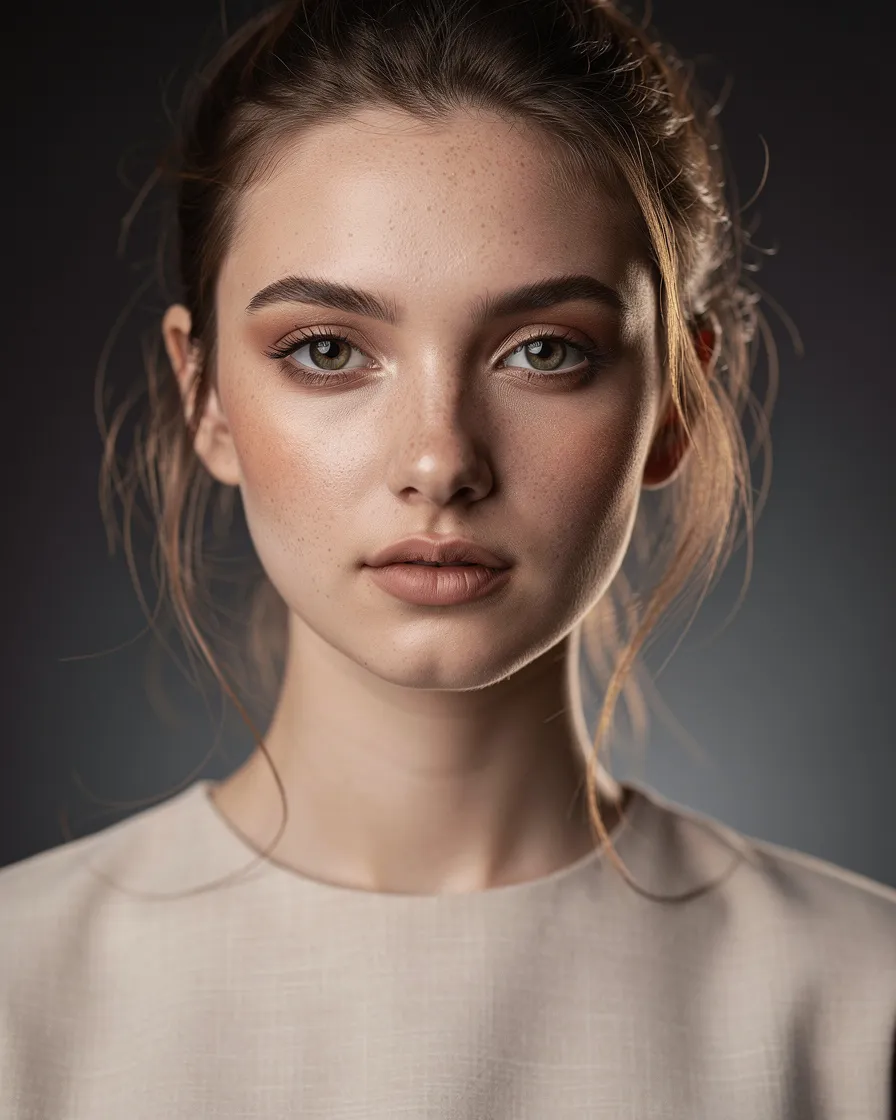
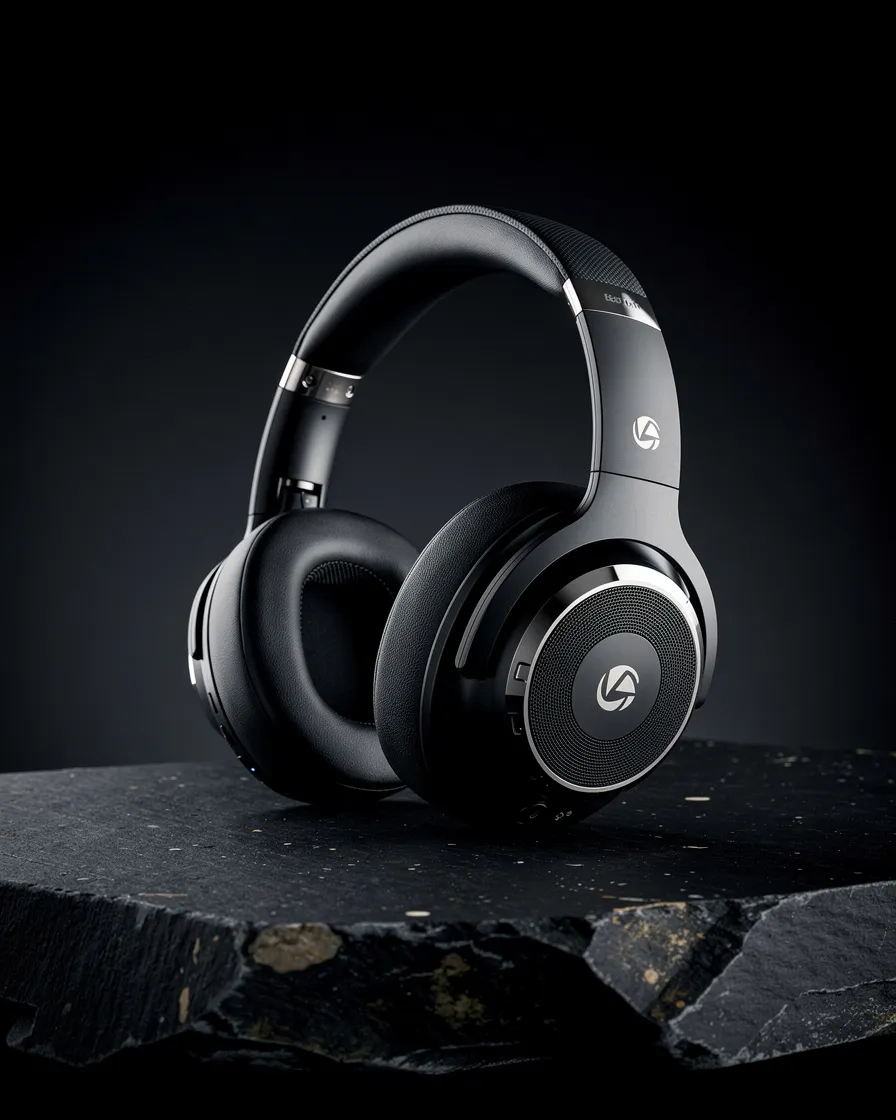
Generate images from text descriptions, edit existing images with natural language, or combine multiple references to create something new. Excels at text rendering, photorealism, character consistency, and structured prompting with up to 8 reference images.
Flux1 AI Image


Flux 2 Pro FAQ
Have a different question and can't find the answer you're looking for? Reach out to our support team by sending us an email and we'll get back to you as soon as we can.
What is Flux 2 Pro?
Flux 2 Pro is an advanced image generation and editing model powered by a latent flow matching architecture combining a 24-billion parameter vision-language model with a rectified flow transformer. It creates high-quality images from text prompts and edits existing images with natural language instructions.
What is Flux 2 Pro best at?
Text rendering with legible typography, photorealistic details with sharp textures and natural lighting, character consistency across multiple images, and structured JSON prompting for precise scene control.
How do I write effective prompts?
Organize by importance: subject first, then action, style, and context. Example: 'A sleek silver sports car racing along a coastal highway at sunset, high-dynamic-range, hyper-realistic.' Important: Never use negative prompts like 'no text' or 'no extra fingers'—they may cause the opposite effect. Instead, describe what you want to see.
Can I edit existing images?
Yes. Upload an image and describe changes in natural language. Reference specific parts or other reference images by index. Example: 'Replace the background with the beach in image 3' or 'Make the woman wear a red jacket.'
What is JSON prompting?
Structure your prompt as JSON with fields like scene, subjects, style, lighting, camera (angle, distance, focal length, aperture, ISO), and color_palette (hex codes or color names) for precise control over every aspect.
How do reference images work?
Upload multiple images to guide style, composition, or specific elements. Total input is limited to 9 megapixels on the API. The model uses these to maintain consistency across generations.
What about color accuracy?
Use hex codes in prompts for exact color matching—ideal for brand work and marketing materials requiring specific color accuracy. The model edits images at resolutions up to 4 megapixels while maintaining detail and coherence.
Is Flux 2 Pro free to use?
Yes. Free credits are included for new users. Buy additional credits or subscribe for more usage. Unused credits don't expire, and failed jobs are auto-refunded. See Pricing for model plans.