Annual Sale!Get 30% offClaim Now→

Flux 2 Flex Result
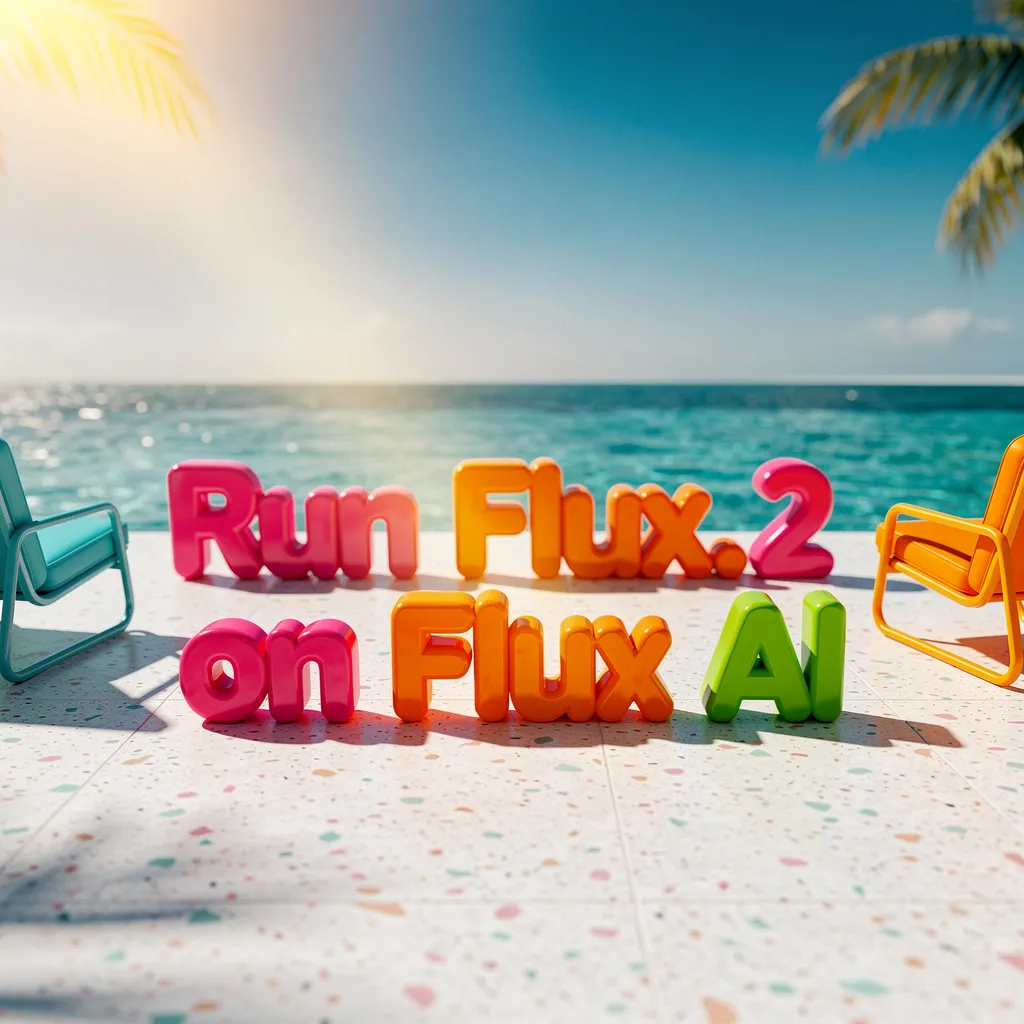
Flux 2 Flex - Max-Quality Image Generation with Superior Text Rendering
Customizable quality-speed control for image generation and editing. Excel at typography with up to 10 reference images and 4MP editing resolution.
Flux1 AI Image
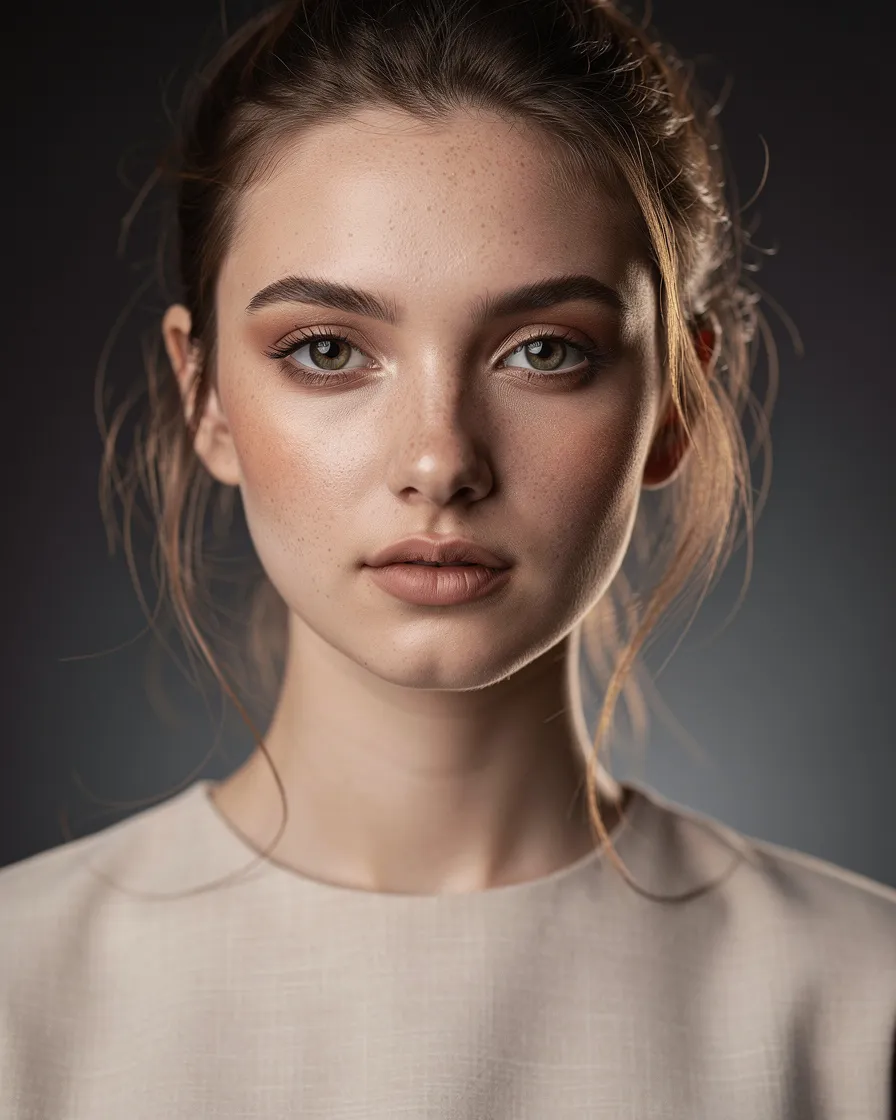
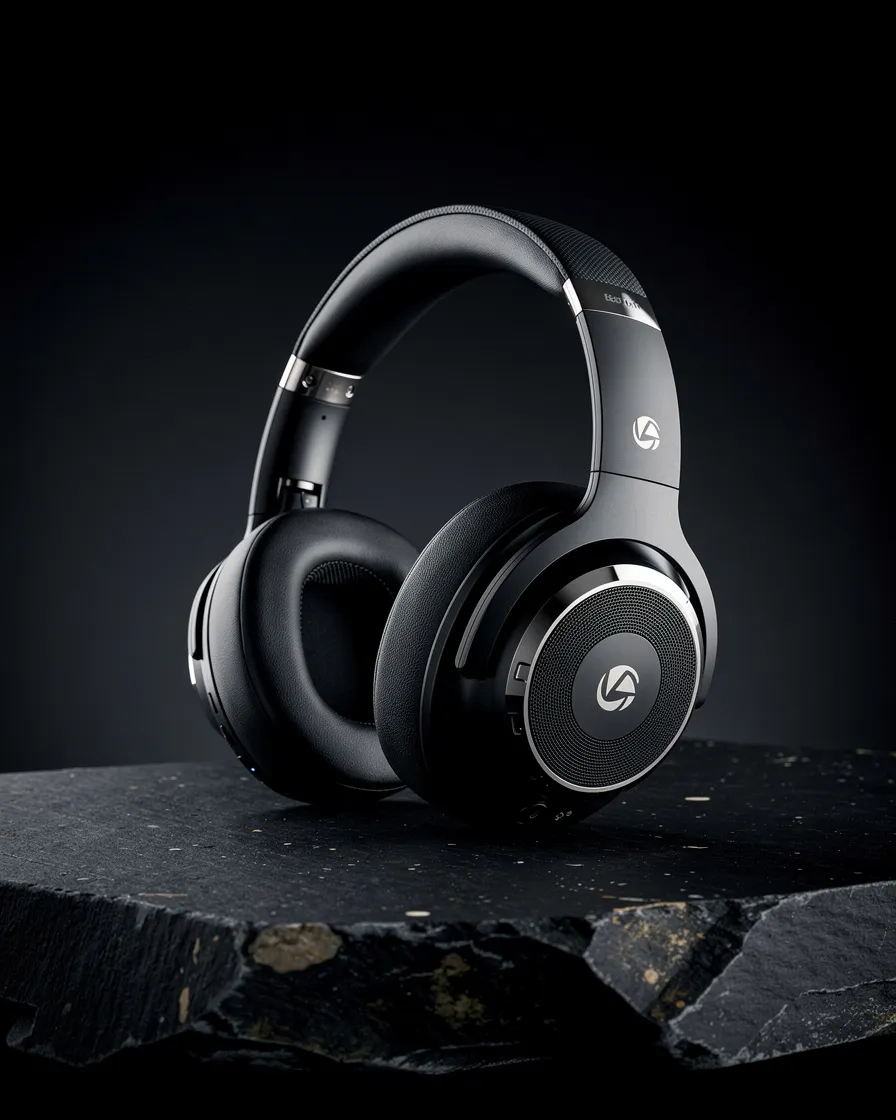


Flux 2 Flex FAQ
Have a different question and can't find the answer you're looking for? Reach out to our support team by sending us an email and we'll get back to you as soon as we can.
What is Flux 2 Flex?
Flux 2 Flex is a model for max-quality image generation and editing. It gives you control over the quality-speed trade-off with adjustable inference steps and excels at text rendering, supporting up to 10 reference images and 4MP editing resolution.
What are the key features?
Adjustable quality-speed control via inference steps, fine-tuned guidance scale, exceptional text rendering for typography/infographics/UI mockups, multi-reference editing with up to 10 images, 4MP editing resolution, JSON-structured prompts for precise control, and 1024×1024 PNG output.
How do I write effective prompts?
Use positive constraints only. Good: 'A close-up portrait of a woman wearing a blue dress, clean background.' Bad: 'portrait, --no text, --no extra fingers.' The model ignores negative prompts.
What is adjustable quality?
Choose how many inference steps to run. Fewer steps mean faster results, more steps mean higher fidelity. This lets you balance speed and quality based on your needs.
How does multi-reference editing work?
Upload up to 10 reference images (total ≤ 14 MB) to blend into a single output. Use this for style transfer, compositional guidance, or combining elements from different sources while keeping things coherent.
What about JSON prompting?
Structure prompts as JSON with keys like scene, subjects, style, lighting, and camera. This gives precise control over composition. Plain text works too for quick iterations.
What formats are supported?
Accepts PNG or JPEG inputs. Outputs 1024×1024 PNG for generation. Supports editing at resolutions up to 4 megapixels. The model excels at text rendering, making it ideal for typography, captions, infographics, memes, posters, and UI mockups.
Is Flux 2 Flex free to use?
Yes. Free credits are included for new users. Buy additional credits or subscribe for more usage. Unused credits don't expire, and failed jobs are auto-refunded. See Pricing for model plans.