Annual Sale!Get 30% offClaim Now→

Flux 2 Pro Result
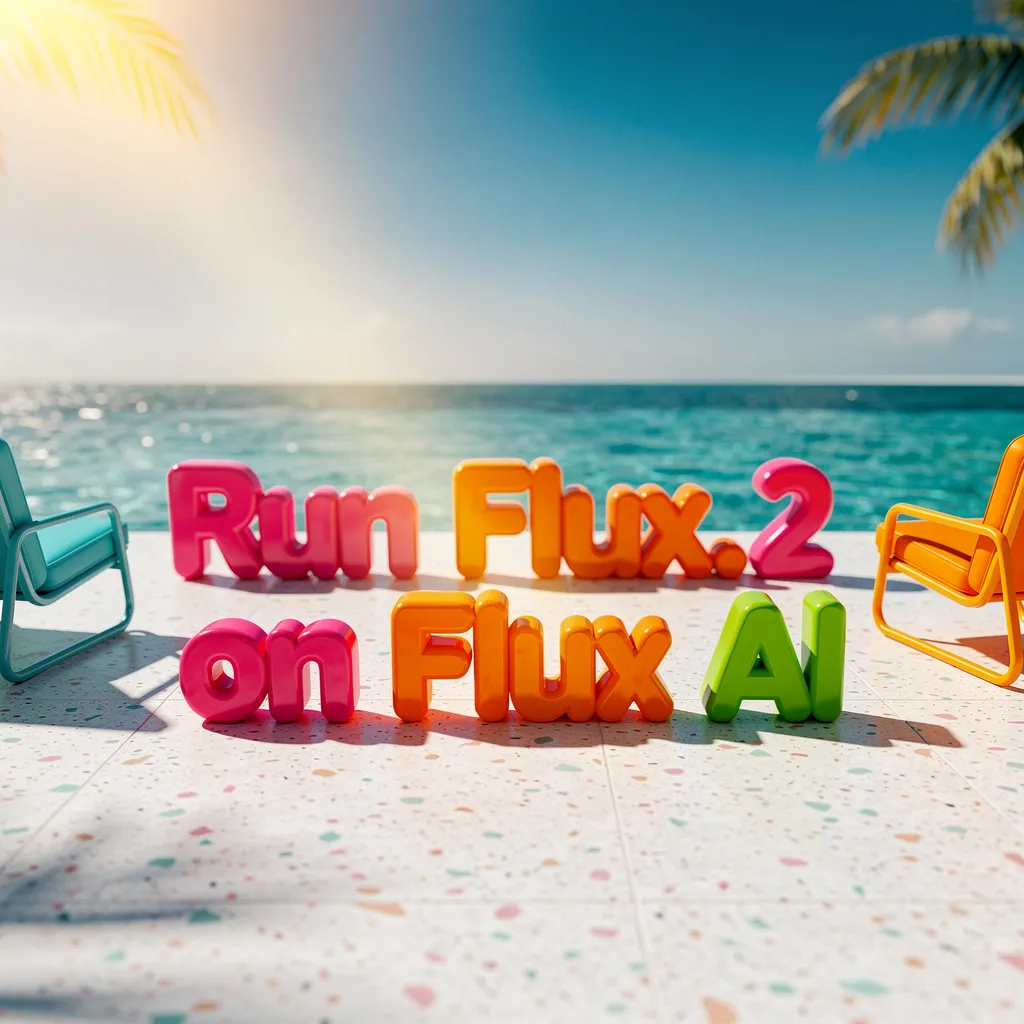
Flux 2 – Create & Edit Stunning AI Images | Flux1 AI
Generate photorealistic images from text, edit with natural language, and blend up to 10 references. Choose Pro, Flex, or Dev for your creative workflow.
Flux1 AI Image




Flux 2 FAQ
Have a different question and can't find the answer you're looking for? Reach out to our support team by sending us an email and we'll get back to you as soon as we can.
What is Flux 2?
Flux 2 is the next-generation AI image suite from the FLUX model family. Generate photorealistic images from text prompts, edit with natural language, and blend multiple reference images for consistent, stunning results.
What are the differences between Pro, Flex, and Dev?
Pro delivers the highest quality with up to 8 reference images—ideal for brand and commercial work. Flex balances speed and quality with up to 10 references for rapid iteration. Dev offers 32B parameters for developers needing maximum control with 10 references.
What is Flux 2 best at?
Flux 2 excels at legible text rendering, photorealistic lighting and details, character consistency across multiple images, and professional product photography with brand consistency.
How do I choose the right version?
Choose Pro for premium commercial projects, Flex for fast creative exploration, and Dev for technical experimentation. All versions support multi-reference blending for consistent outputs.
Can I edit existing images?
Yes! Upload any image up to 4MP and describe your edits in plain language. You can reference specific areas or blend elements from multiple images seamlessly.
How does multi-reference blending work?
Upload multiple images to maintain consistent characters, products, or styles across generations. Pro supports up to 8 references; Flex and Dev support up to 10—no fine-tuning required.
Any tips for better prompts?
Start with your main subject, then add action, style, and context. Be specific and descriptive. Avoid negative prompts—focus on what you want to see. For advanced control, use structured formatting.
Is Flux 2 free to try?
Yes! New users get free credits to explore all features. Purchase additional credits or subscribe for unlimited access. Unused credits never expire, and failed generations are automatically refunded.